UGC Collections
A highly requested feature from creators and communities; UGC & Mods Collections are now available on mod.io!
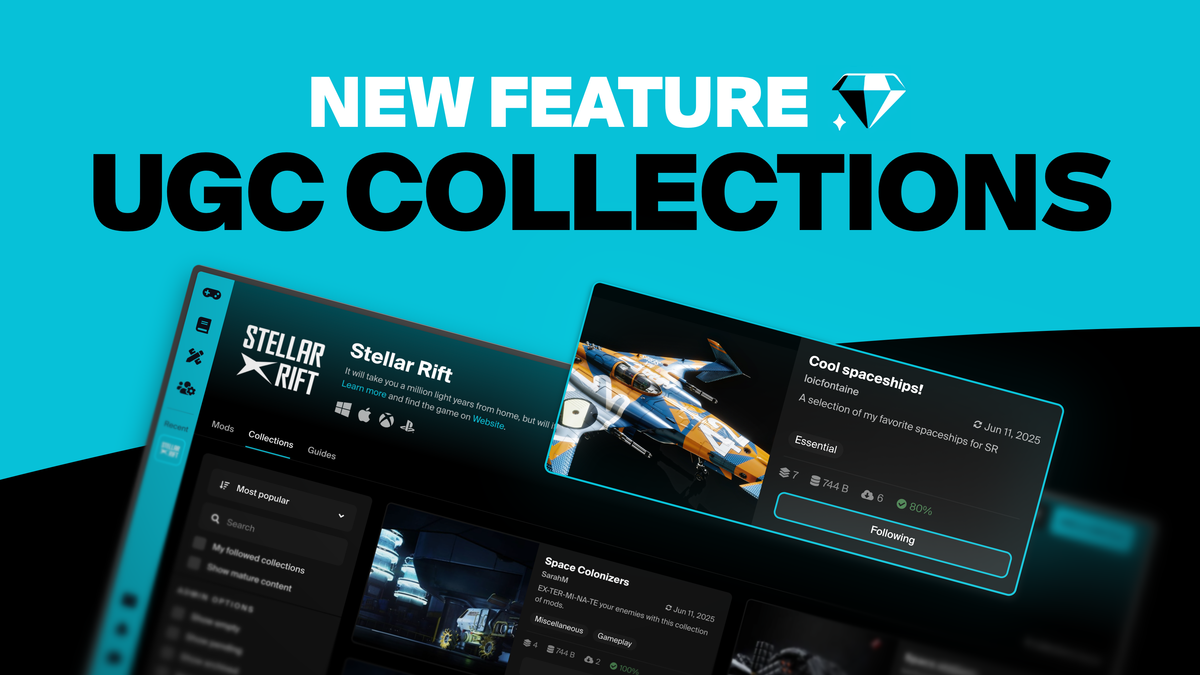
A highly requested feature from creators and communities; we’re bringing UGC & Mods Collections to mod.io! This allows users to create collections of mods that can be shared with others, and let you subscribe to all their content in one click!
UGC Collections are not a particularly novel idea, and had been on our roadmap for quite a while. It’s also consistently been a top request from our users. They’re a particularly handy solution to help players find cool content, to allow influencers to share their favorite playsets, or to identify mods that work well when played together. This is particularly useful for games that can have several thousands pieces of content available! They’re also useful for players who simply want to keep their favorites saved somewhere, or prepare a specific set of mods for a future playthrough.
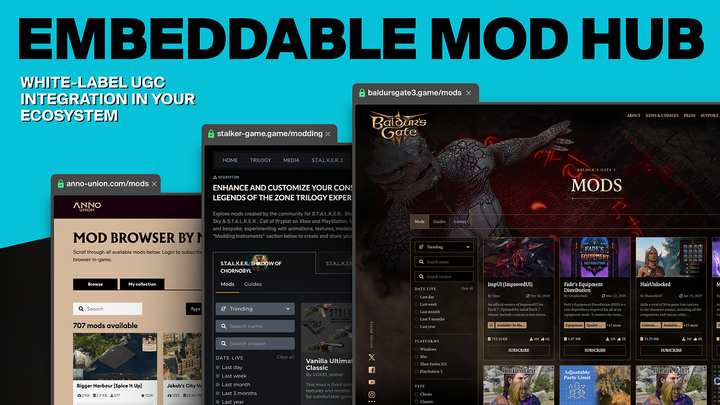
This functionality had been missing from mod.io until now, mainly because we needed to design it in a way that would be compatible for as many games using our services as possible. Since we’re a white-label solution rather than a third party platform, the games using mod.io can have a variety of different implementations, and the reality of how mod.io is presented for Baldur’s Gate 3, is not the same as for Gorilla Tag, Totally Accurate Battle Simulator or Anno 1800. This is also why Collections is an optional functionality that game developers can choose to deactivate for their game if it doesn’t fit their integration.
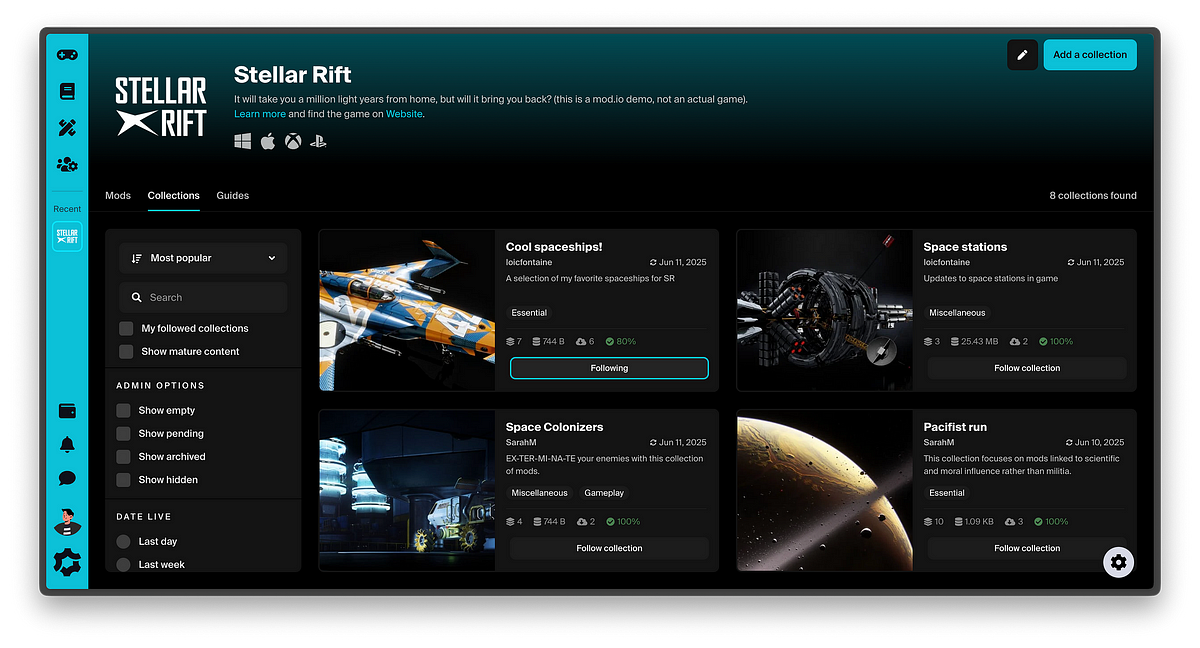
By default, Collections will work in our web environment, you’ll see a new Collections tab on your game page on mod.io/g where you can browse public collections and users can manage collections they are subscribed to via their Library. Any user can create their own collections and choose to keep them hidden for their own use, or make them publicly available for others to pick them up and subscribe!
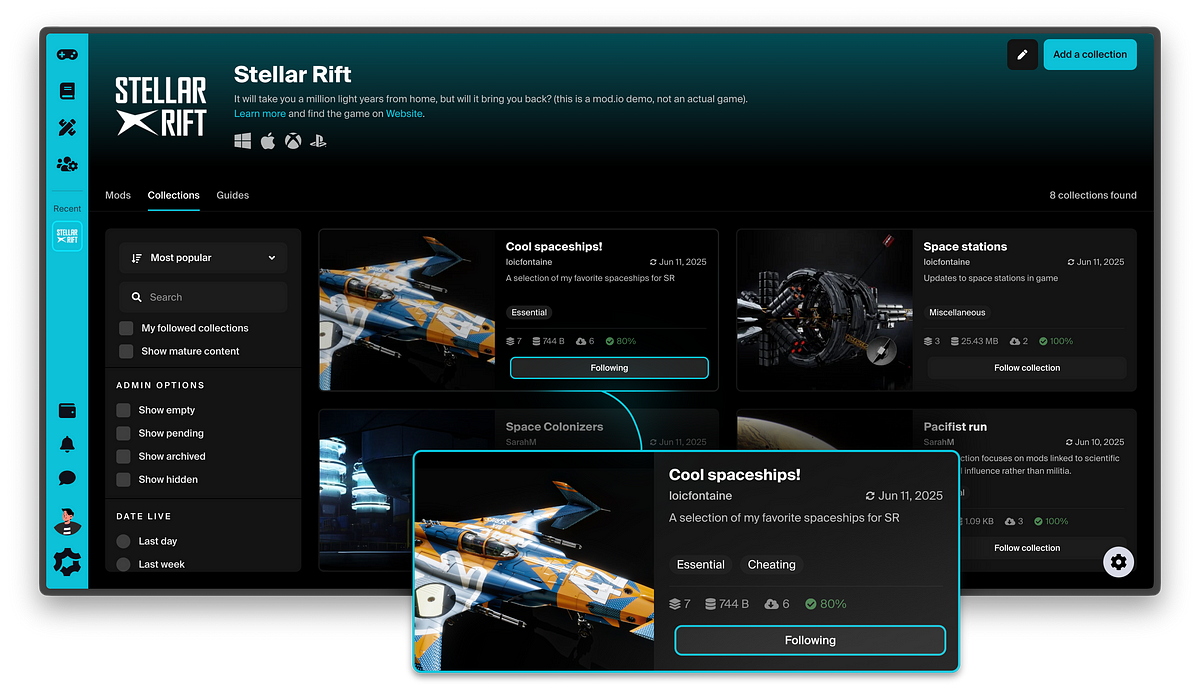
Creating a collection is pretty easy and straightforward: hit the button, add a name, description, cover picture, and start adding some mods! You can either search for content to add to your collection while editing it, or add mods to a collection on the fly while browsing any mod page.
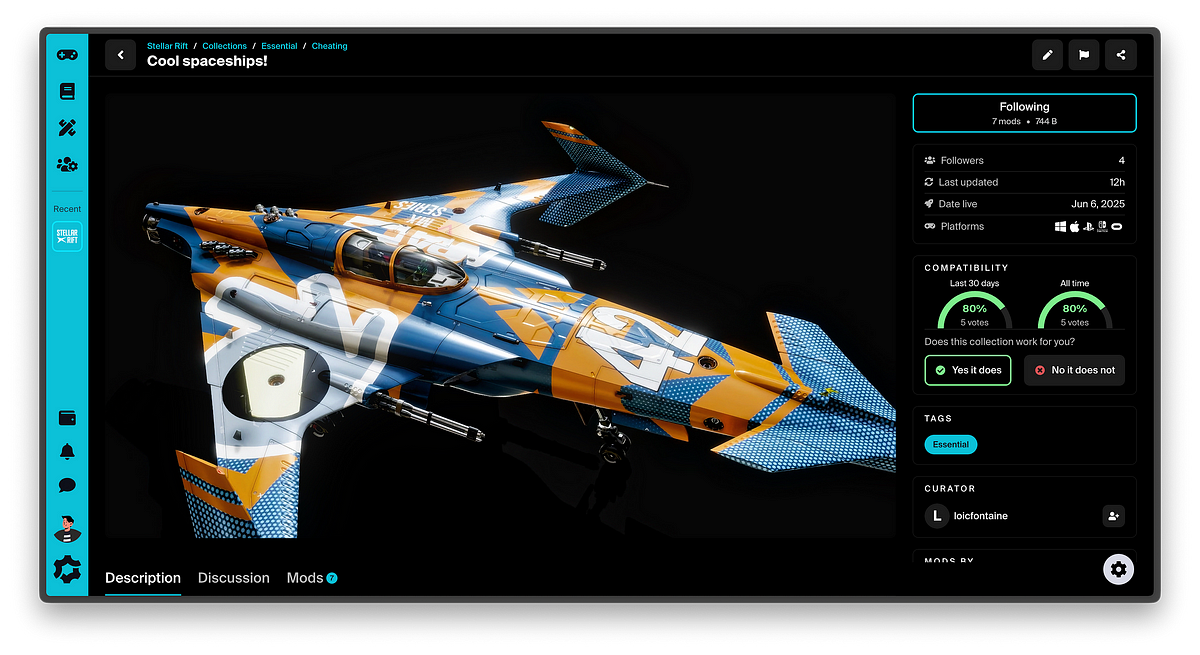
While anyone can curate and share a collection of content, we always showcase the mods creators! When browsing a collection, you’ll see a list of the people whose content has been added to it. We also added some other practical features, such as a compatibility voting system, allowing users to confirm the compatibility between the mods that are part of a collection.
Subscribing to a collection gets you subscribed to all the mods included in it, which means next time you load in-game while logged in with your account connected to mod.io, you’ll have it automatically downloaded and installed (the exact experience may vary based on specificities of in-game integration).
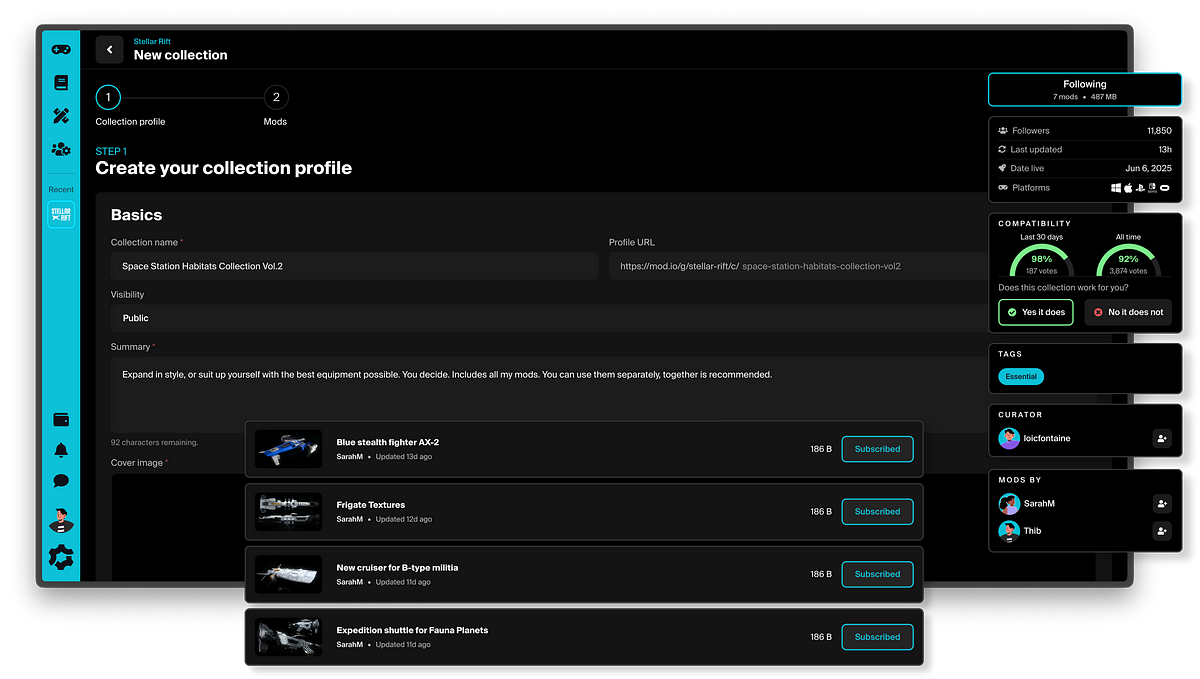
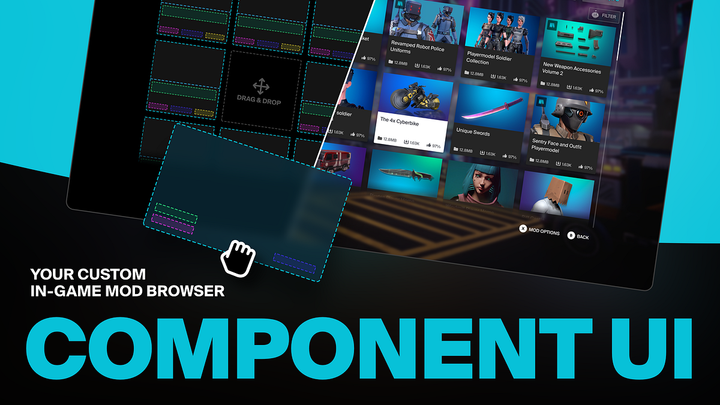
Collections are already available on the mod.io website now. We’ll be deploying this functionality as part of our Embed Hub solution in a few weeks; and add options for in-game integration in our SDK, Unreal & Unity plugins in the upcoming months. In the meantime, you can already find the Collections references in our RestAPI documentation. This will allow studios who want to bring Collections as part of their in-game experience to integrate a dedicated user interface for browsing and subscribing to Collections in-game, as well as letting players directly create collections and add content to them directly from the game if they want to!
We’re excited to bring this long requested feature to mod.io, and to see what collections you’re going to create for your favorite game! And we’re curious to see how Collections will be used to create new experiences in-game in the future!