Component UI: your custom in-game mod browser
How can mod.io component UI tool for Unreal Engine & Unity Plugins can help you build a custom mod browsing UI for your game.
Bringing User-Generated Content to players directly in-game and on all platforms is what mod.io is all about. And from our case studies, we know that integrating UGC and mod browsing in-game is the single most impacting way of developing players’ engagement with this content. Our examples show that above 40% of players engage with mods when they’re accessible in-game, which is 4–5 times more than the level of engagement with mods when relying on third party solutions and manual installation.
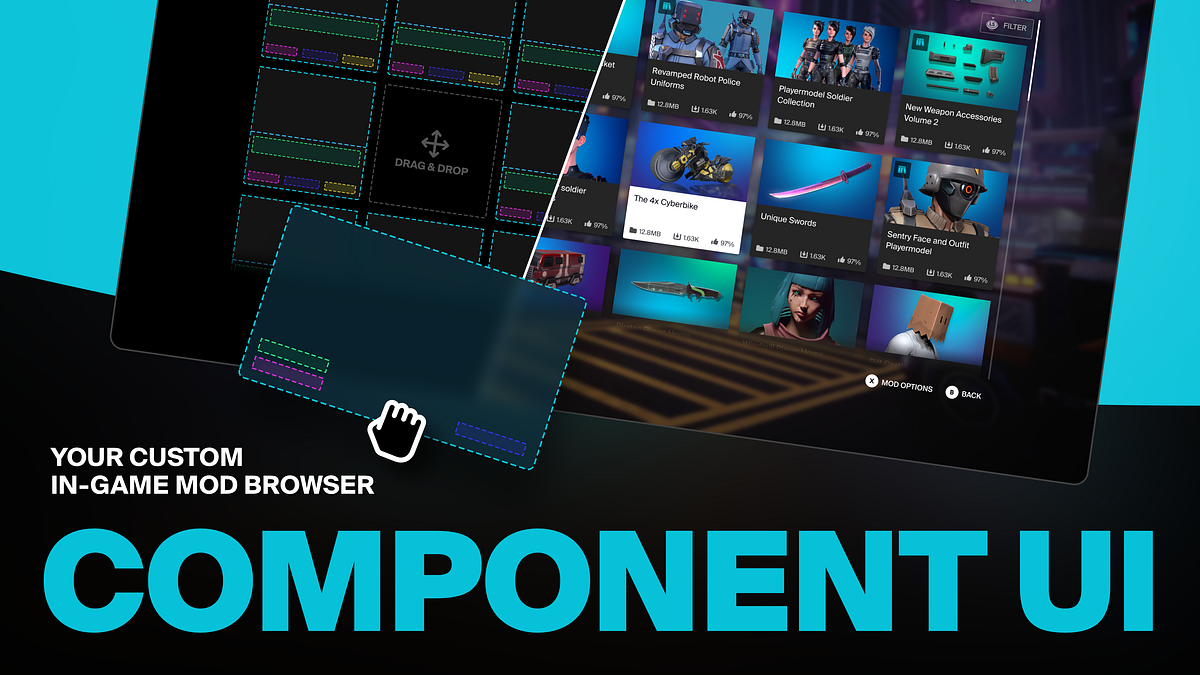
Building a dedicated mod browser and UI for your game can however prove a tall order, and integrating a default mod.io UI that looks nothing like the rest of your game menus is less than ideal. That’s where our new Component-based UI solutions for building a customizable mod browser for your game come into play.
Available for our Unreal & Unity Plugins, our new Component UI solution moves away from a relatively rigid template, to a new UI framework with independent components which work together, allowing more flexibility for developers to build their own mod browser UI.

The UI Template we provide is built with these components and is flexible enough to allow developers to remove, replace and modify components to suit their needs. The Template lets developers modify the fonts, styles, colors and sizing of each element to create the perfect integration for their game; giving them complete control over the styling and layout of the UI.
While the general vision is the same, our solution works differently for Unreal & Unity due to the nature of each engine.
The Component UI in Unreal Engine
In Unreal Engine, the mod.io UI framework provides a set of specifications, UI components, and editor tooling to allow UE developers to quickly integrate mod.io plugin data and events into their game’s UI.
The Component UI abstracts away as much plugin-specific code from the developer as possible, while maintaining flexibility for developers to implement their UI in C++, UMG/Blueprint, or any combination of the two.
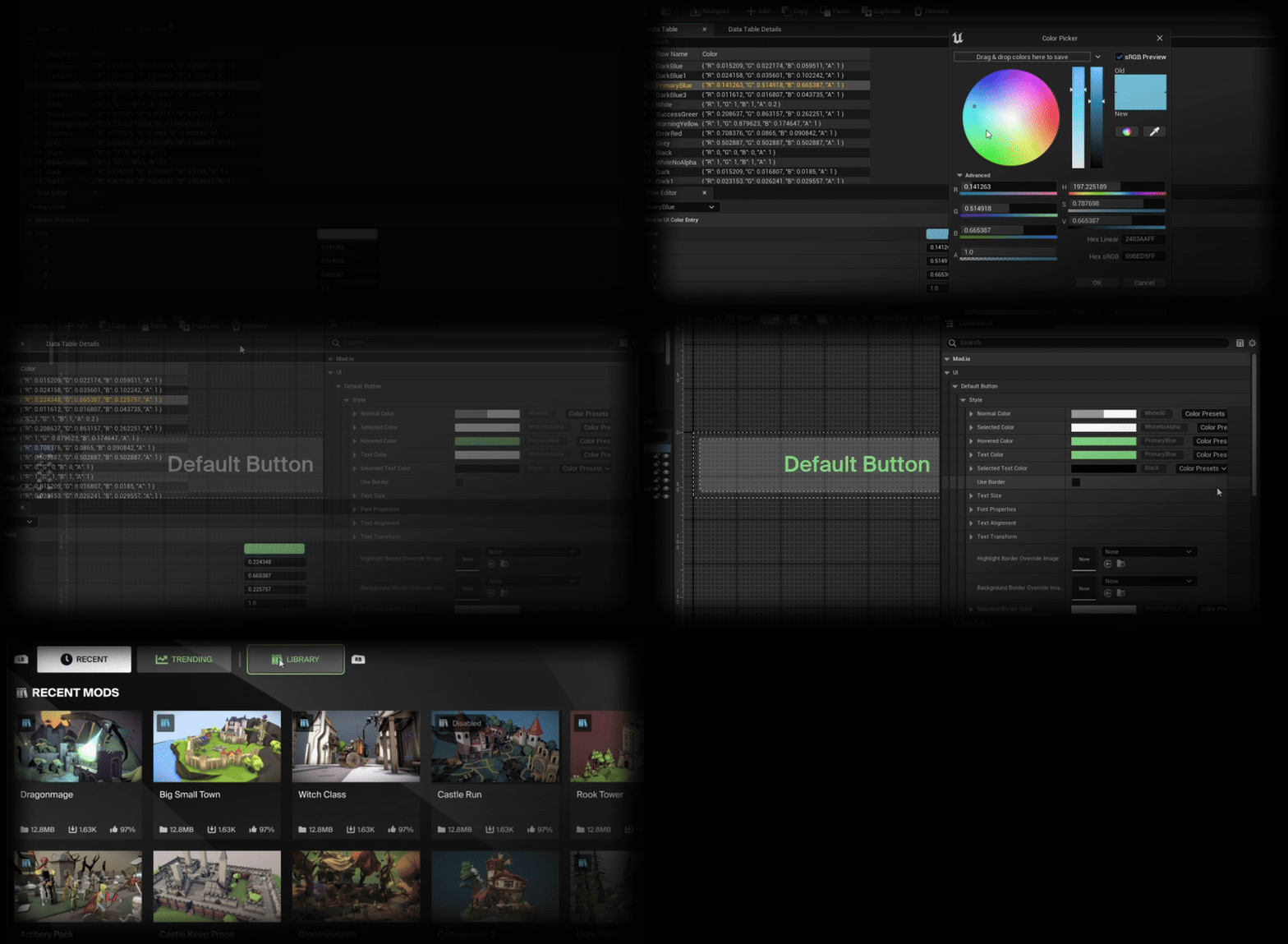
This is achieved with:
- Default Components: Default widget implementations, conforming to the specifications and requirements of each component.
- Component Interfaces: giving developers complete flexibility when creating custom component implementations.
- Infrastructure Classes and Helper Functions, facilitating widgets that react to plugin events triggered externally
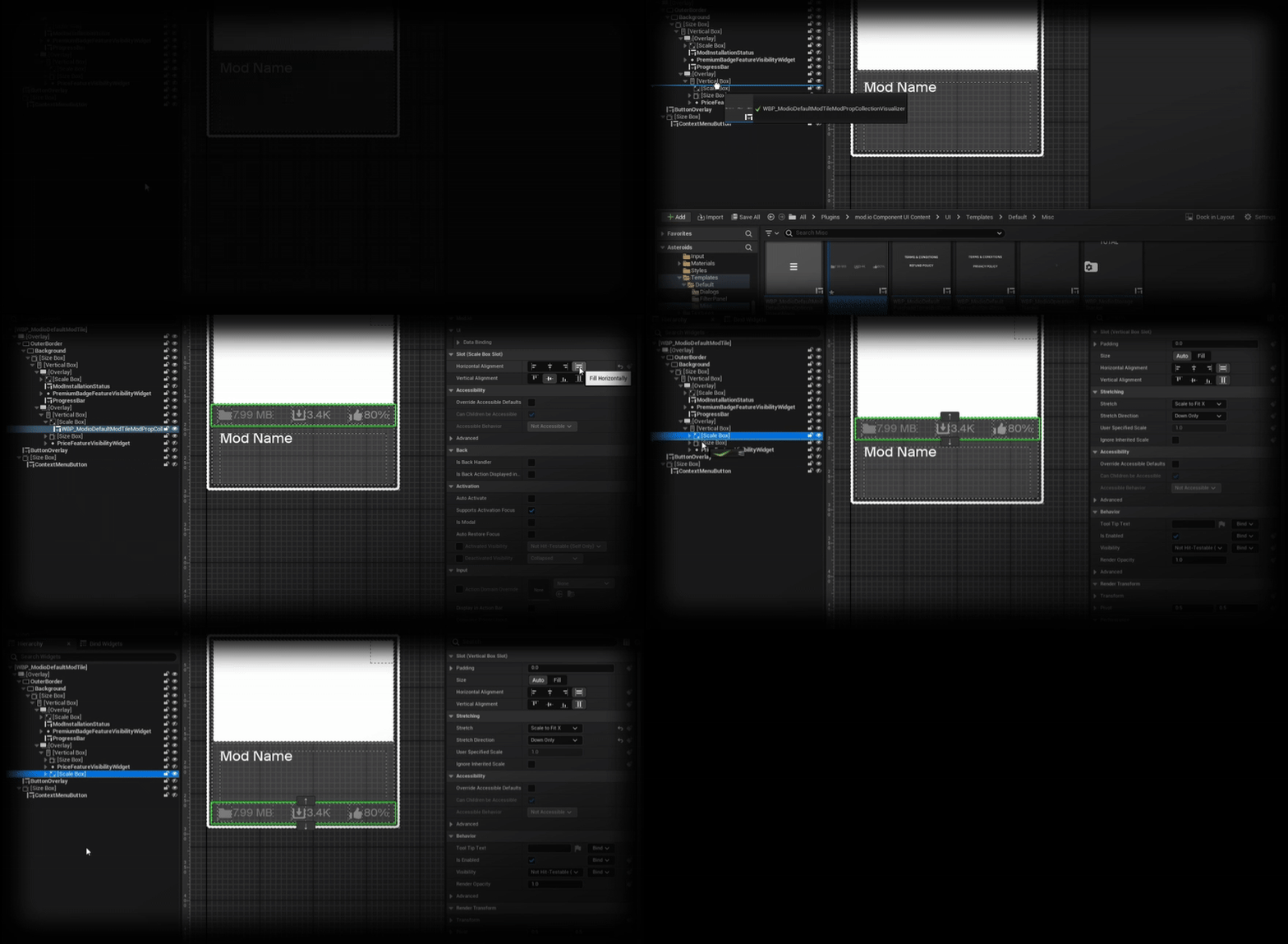
While developers can use all of these elements to build their own mod browser from the ground up, we also provide a working Template UI layout using these components. This can be copied directly into a project as a template for customization or used as a reference for a custom implementation.
You can access mod.io Unreal Engine plugin directly on FAB, and get all details in our documentation.
The Template UI in Unity
In Unity, our Template UI is a working, fully featured mod browser.
It can act as a reference for experienced engineers to review when implementing the components to build their own UI, or can be used as a functional template right off the shelf for developers who don’t have the time/resources to build their own Mod Browser.
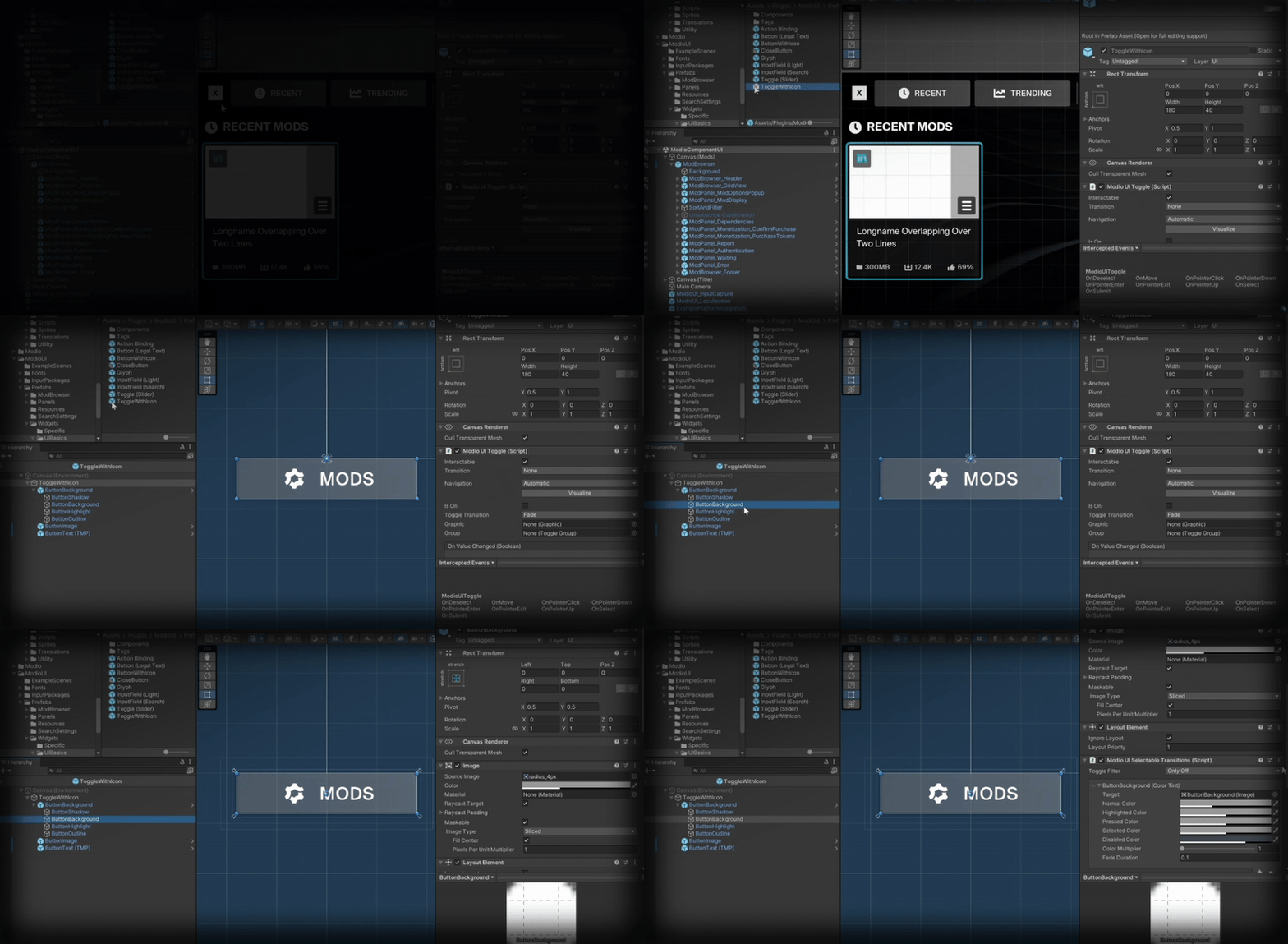
It’s designed to be a user-friendly interface that can handle all the base functions required in a Mod Browser for Console and PC. Its visual design is clean and minimal, and it’s built to be flexible enough for developers to easily modify to suit their needs.
You can access mod.io Unity plugin on the Unity asset store, and get more details in our documentation.